All Apps
/
Hide Out of Stock Products in Website | Auto Hide Website Product

Description:
Auto Hide Website Product ( Zero Quantity/On Hand zero Qty )
Work on both Community and Enterprise
Main Features
Hide Products
Completely Hide/Invisible Product on Website once out of stock means Zero On Hand Quantity.
Show Out of Stock
The Product will be visible on Website but show Out of Stock/Not available once out of stock means Zero On Hand Quantity.
Visible Once Stock Back
The Product will be auto visible on Website once stock back.
Configuration
Go to Settings -> General Setting -> Product Website Visibility -> Show Out of Stock/Hide Products
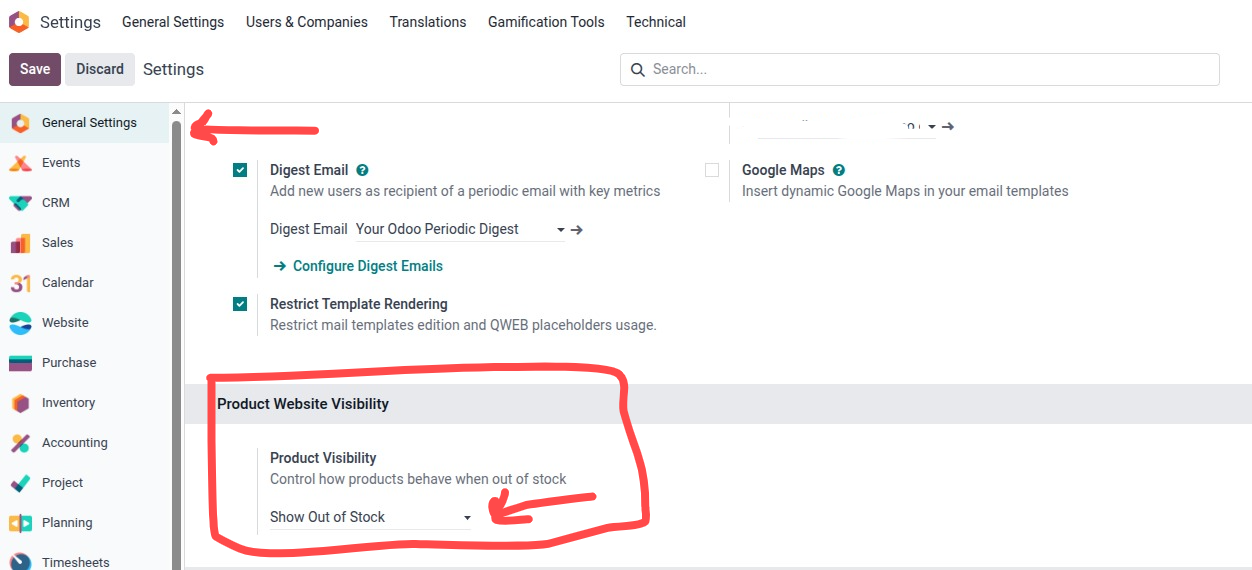
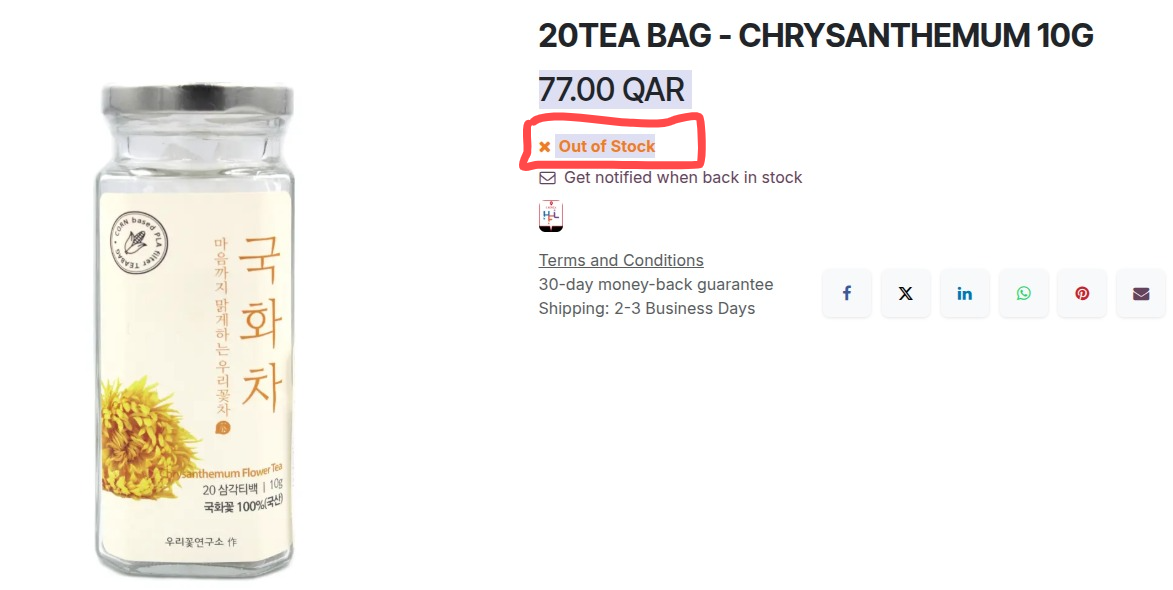
When selection --> Show Out of Stock
- Now Product will be visible but it will show Out of Stock
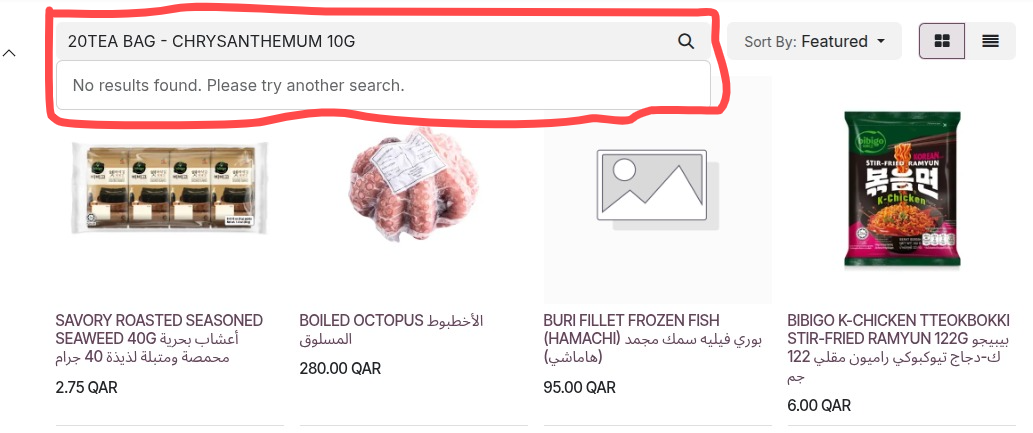
When selection --> Hide Product
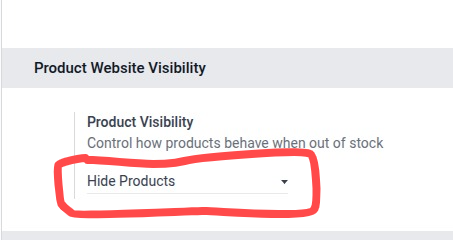
- When the Product is out of Stock than it will be Hide/Invisible on Website
When selection --> Default/No Selection/Empty
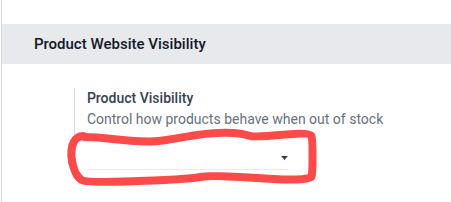
- The default Product setup nothing will effect