Website Minimum and Maximum Amount Limit
Work on both Community and Enterprise
Main Features
Minimum Amount
Customer can't check out if their total amount is less than the Minimum Amount Limit
Show Out of Stock
Customer can't check out if their total amount is Greater than the Maximum Amount Limit
Configuration
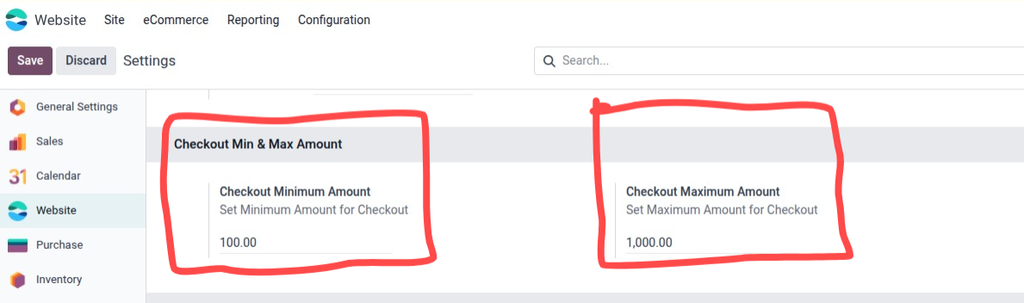
Go to Website Settings -> Checkout Min & Max Amount
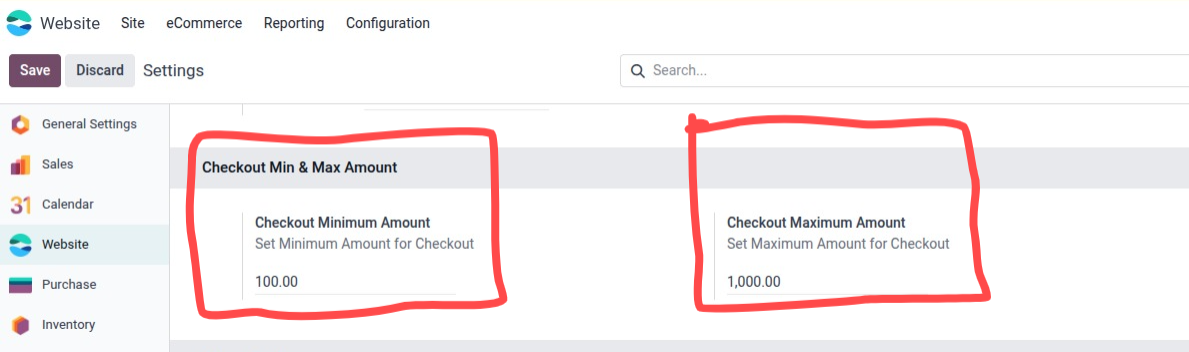
Minimum amount limit setup
- Now customer can't check out if the total order amount is less than the Minimum Amount Limit set
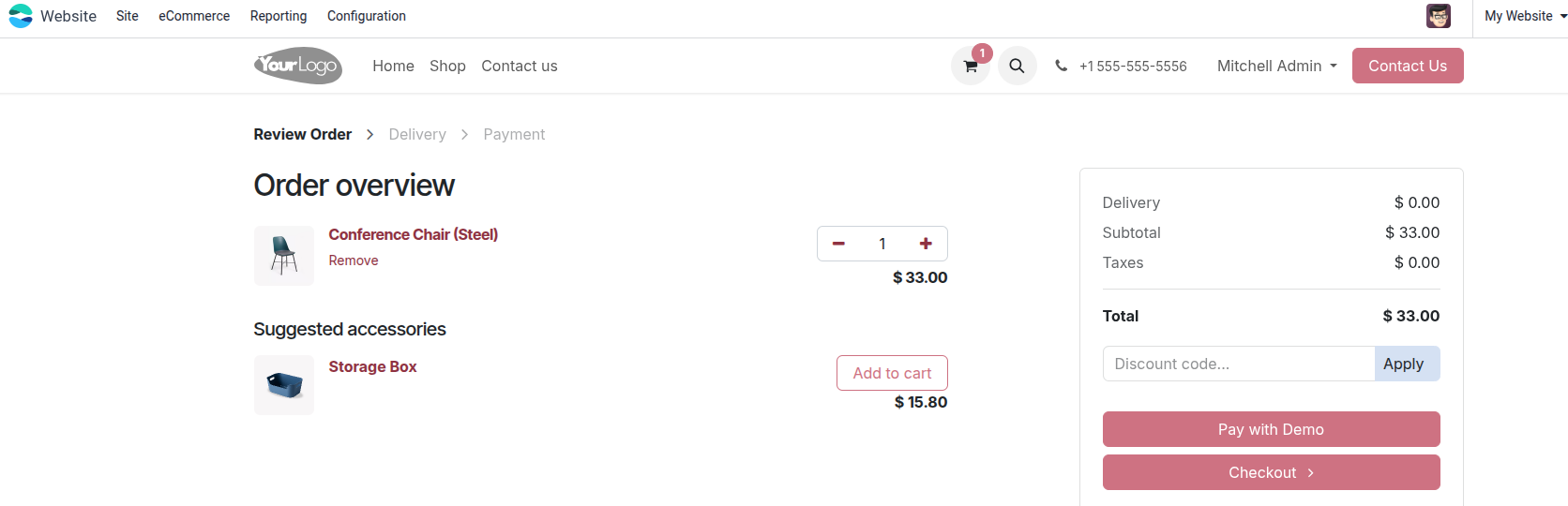
Customer will see the warning massage and button to back to shop to add more Products

Maximum amount limit setup
- Now customer can't check out if the total order amount is greater than the Maximum Amount Limit set
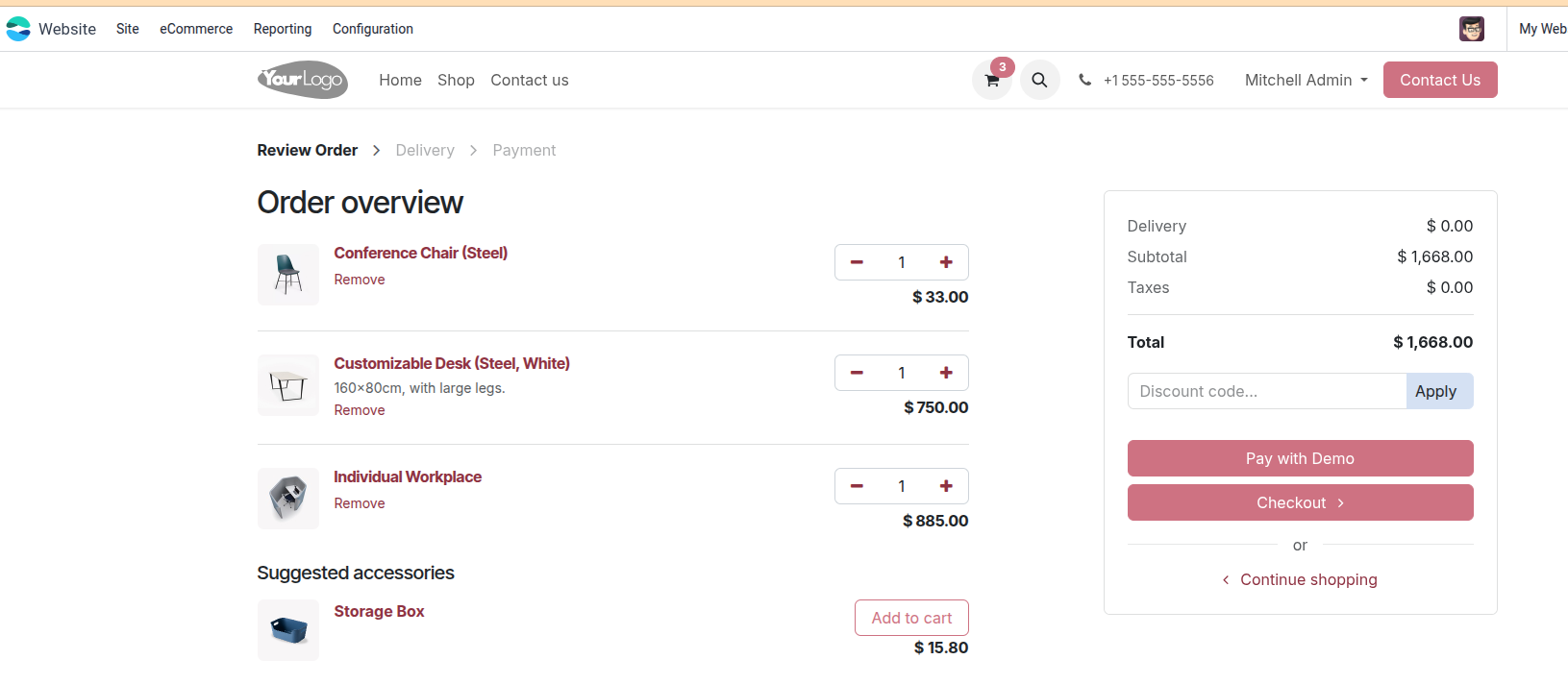
Customer will see the warning massage and button to back to cart to remove some Products
Thanks for choosing My solution
Specifications
| Version | 15.0, 16.0 |