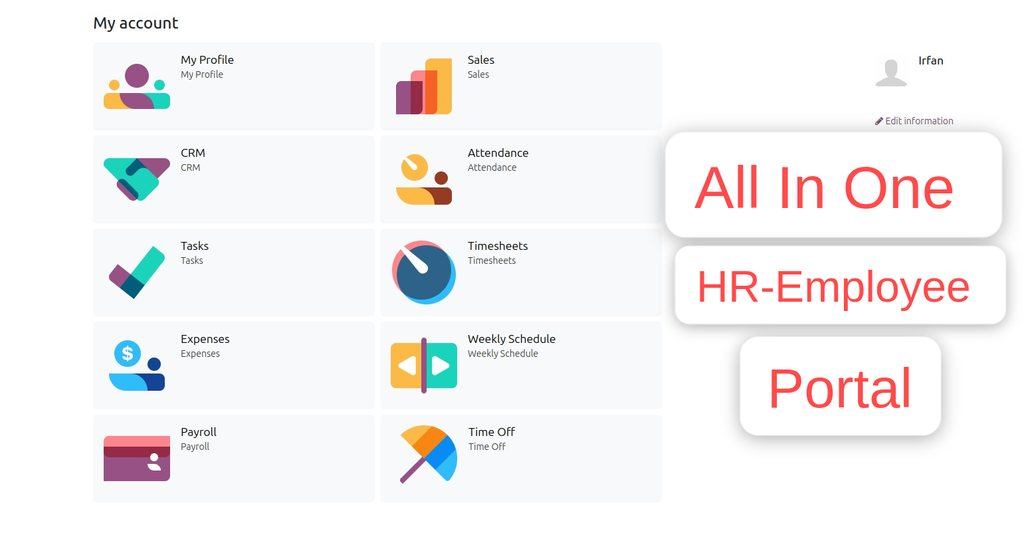
Payroll Portal ---> No Bankend Needed
Works for Both Internal and External/Portal Users
Any User you assigned/give access will have the App/Menu on Portal side
Employee Payroll
Employee can view all their Payroll's
Payroll Download
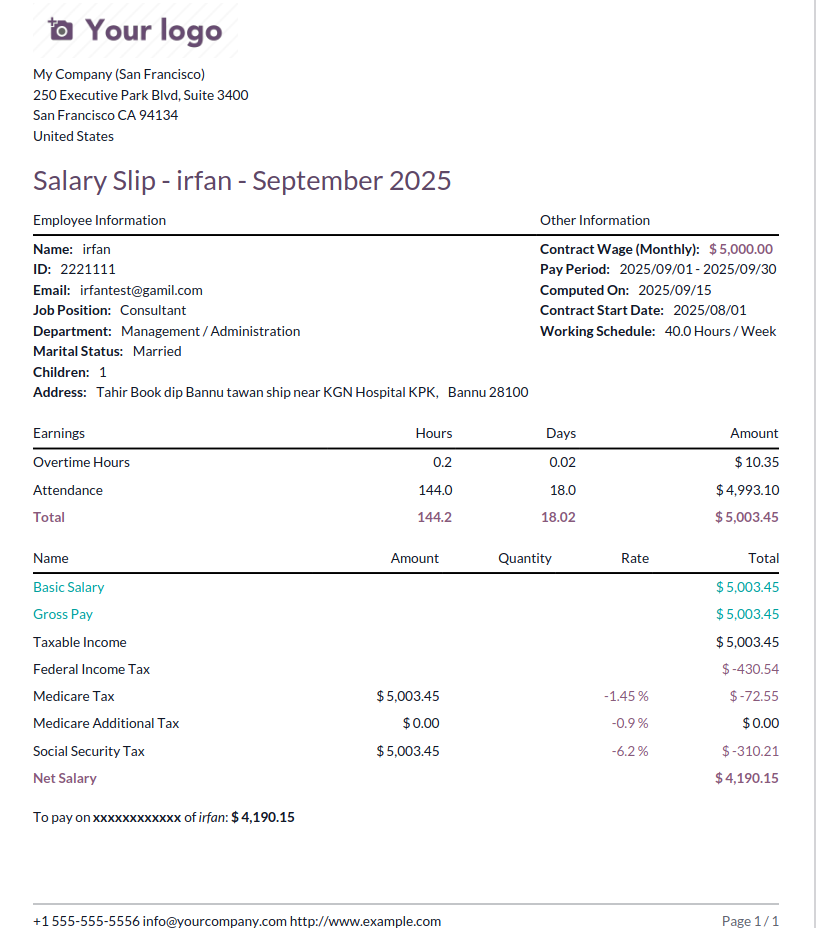
Employees can Download own Payroll Slips.
Configuration
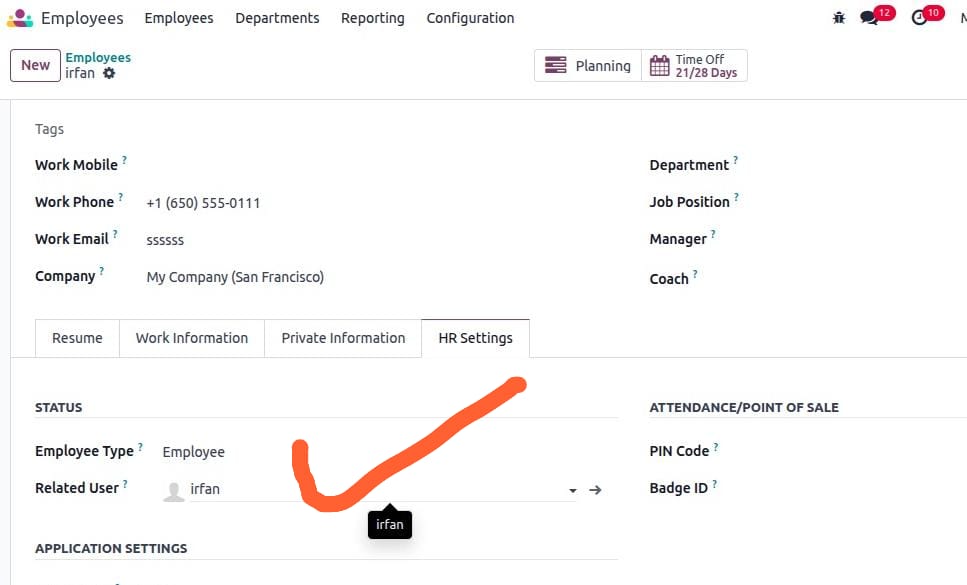
- Make sure the employee is linked with user; check and confirm.
- Go to Employee --> open profile--> HR Settings tab.
- In the user field, select the User.
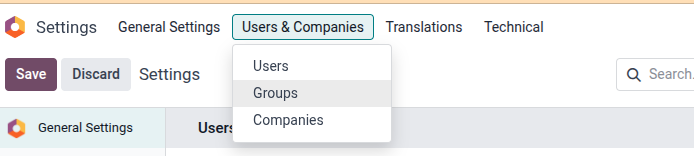
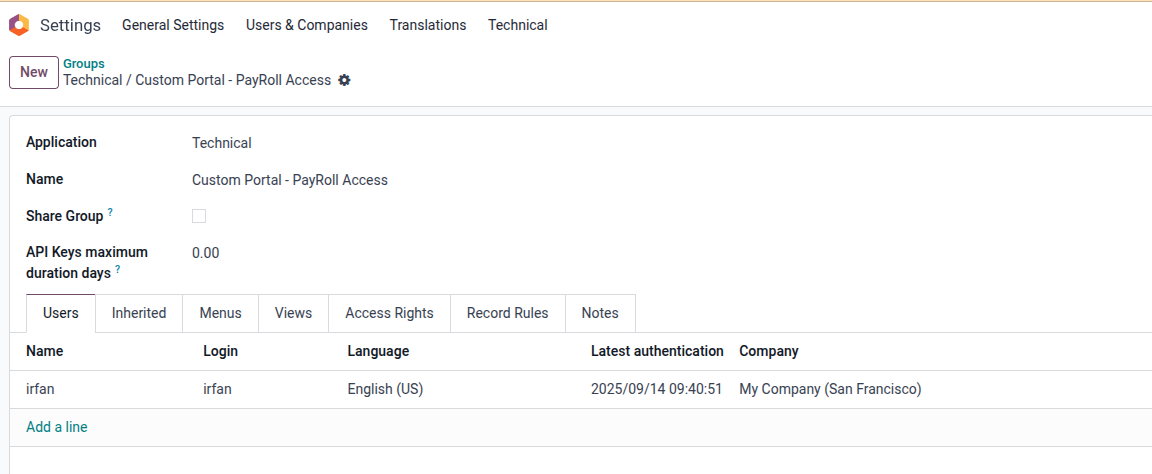
- Next go to Settings --> Users & Companies --> click on Groups (developer mode must be activated).
- Search or select the Group ['Custom Portal - Payroll Access'] and click to open.
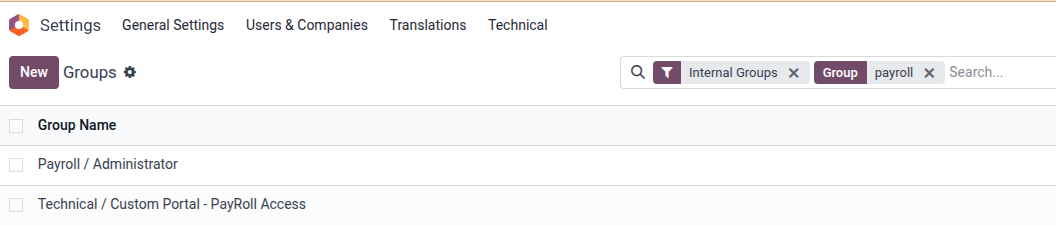
- Add users in the order line as many as per need.
Now Login with the User you will see the Payroll App/Menu.
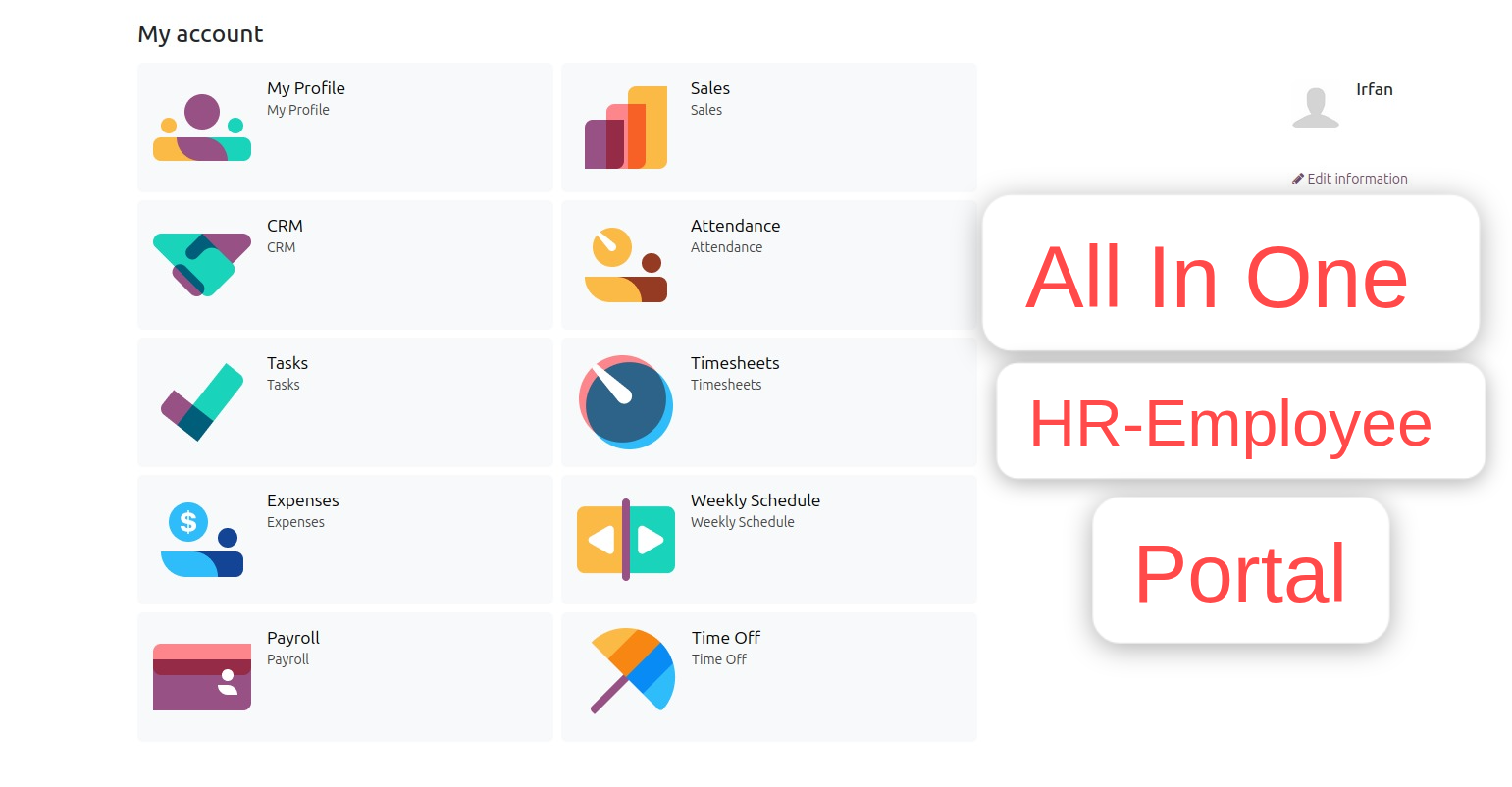
Click on the Payroll to view
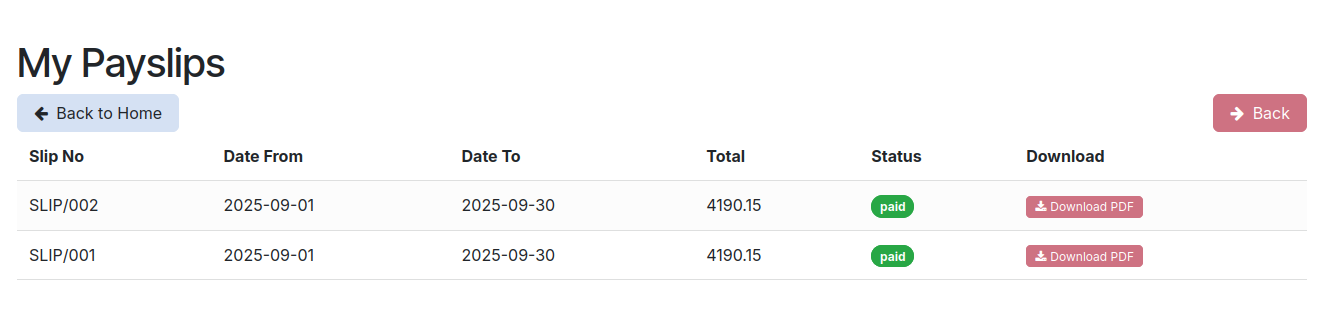
To download click the Download Slip
Below is the sample of download
Thanks for choosing my solution
Employee Payroll Video
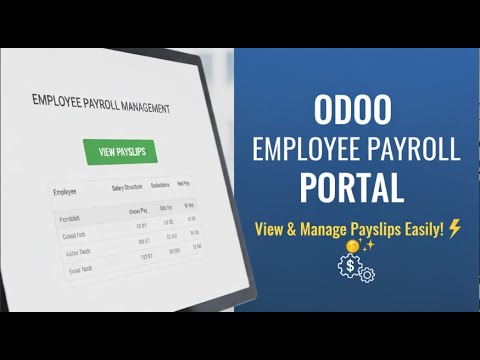
Click to watch on YouTube
Specifications
| Version | 15.0, 16.0, 17.0, 18.0, 19.0 |