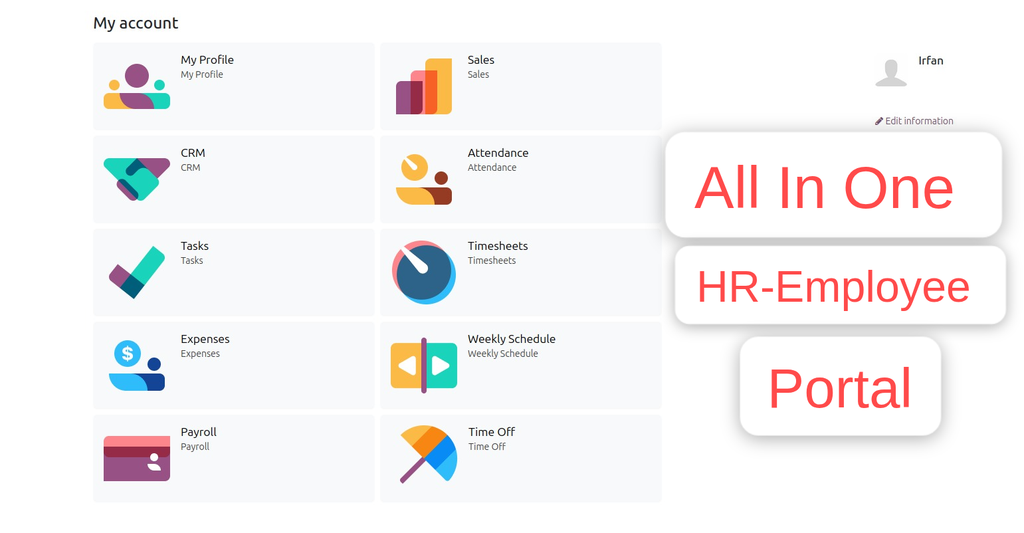
Advance CRM Portal
Works for Both Internal and External/Portal Users
Any User you assigned/give access will have the App/Menu on Portal side
Once you install, you will get the below features:
Main Features
- Create New Leads / Customer
- View and Track leads
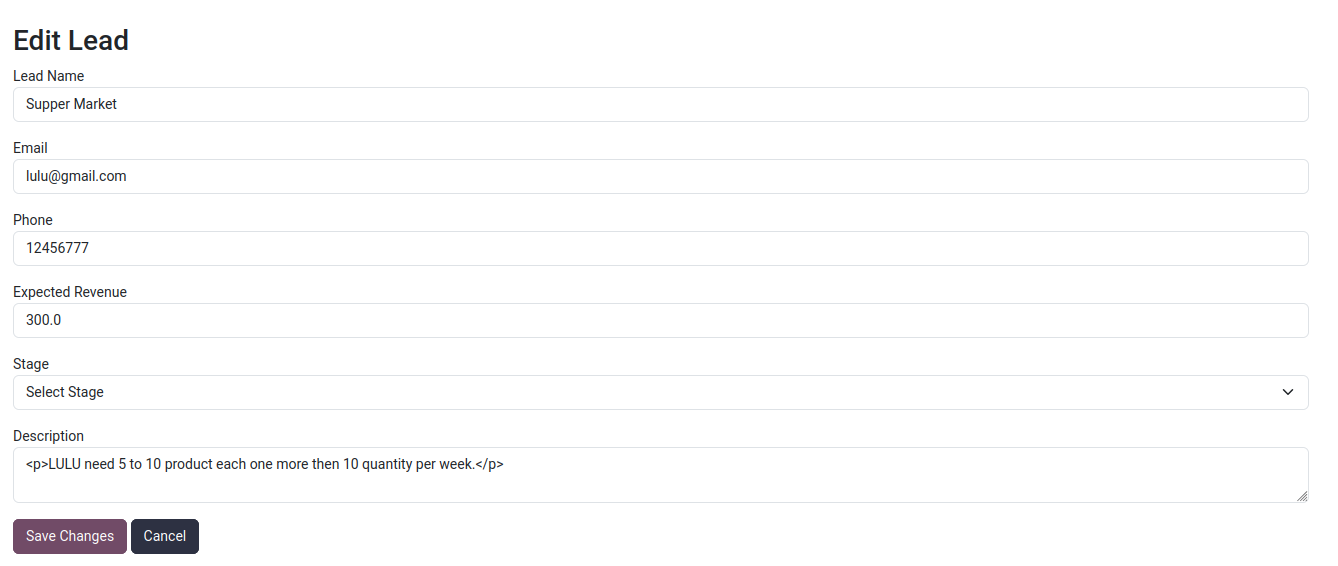
- Edit / Update leads
- Update the progress in real time
- All own leads
- Any time update
- Fully integrated with backend
Configuration
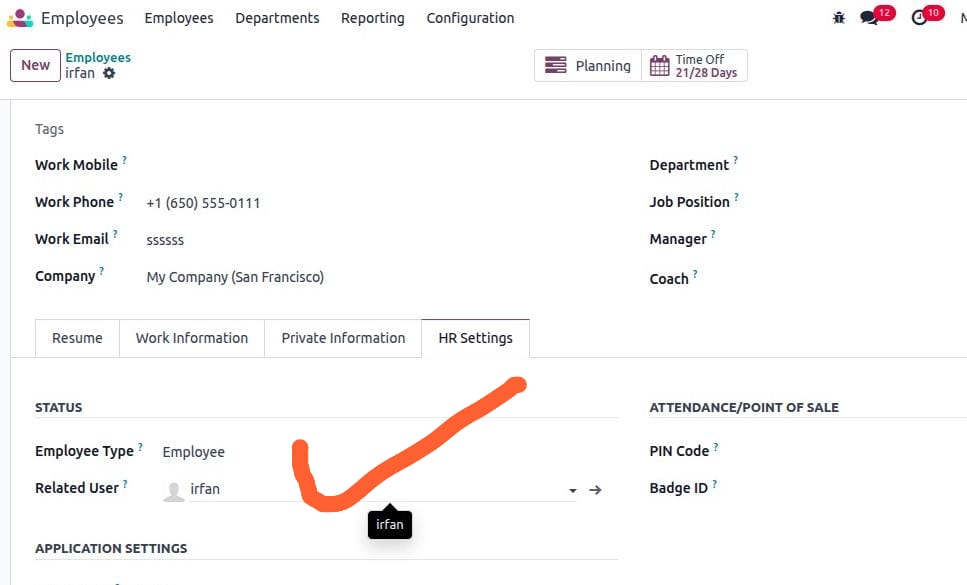
- Make sure the employee is linked with the user; check and confirm.
- Go to Employee -> open profile -> HR Settings tab.
- In the user field, select the user.
- Next go to Settings --> Users & Companies --> click on Groups .
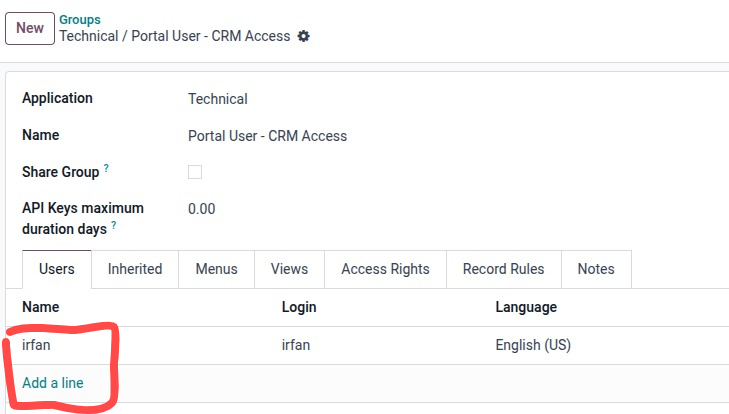
- Search or select the Group ['Custom Portal - CRM Access'] and click to open.
- Add users in the order line .
Remember only assigned group menus will be visible to the user

Now the Employee/User can see CRM Leads Menus/App on Portal
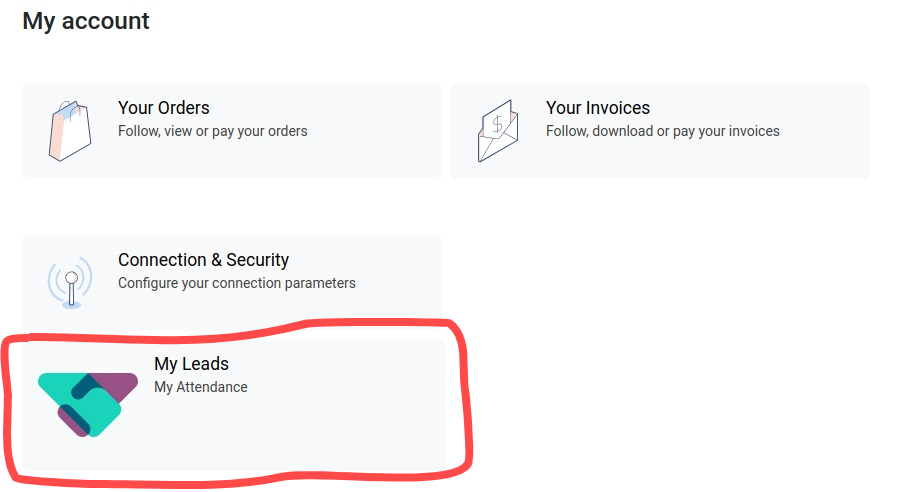
Click to Open
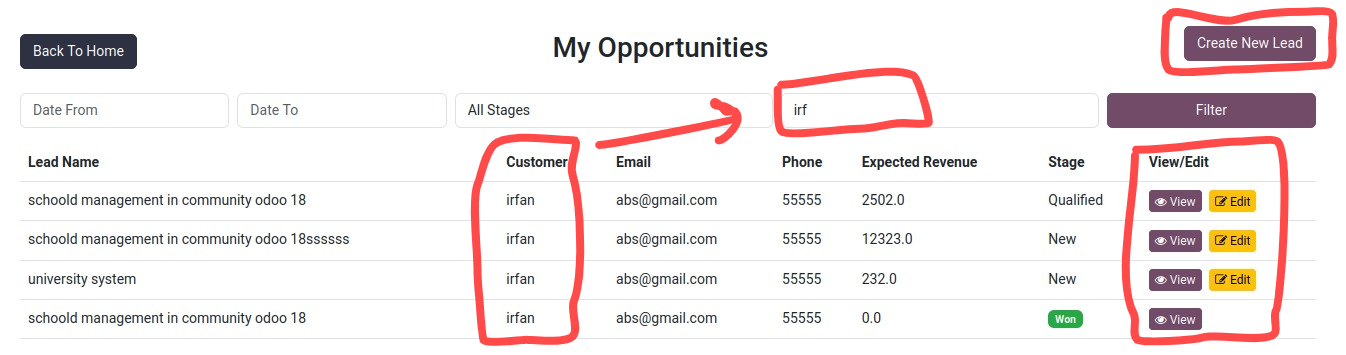
After clicking by default User will view their Leads
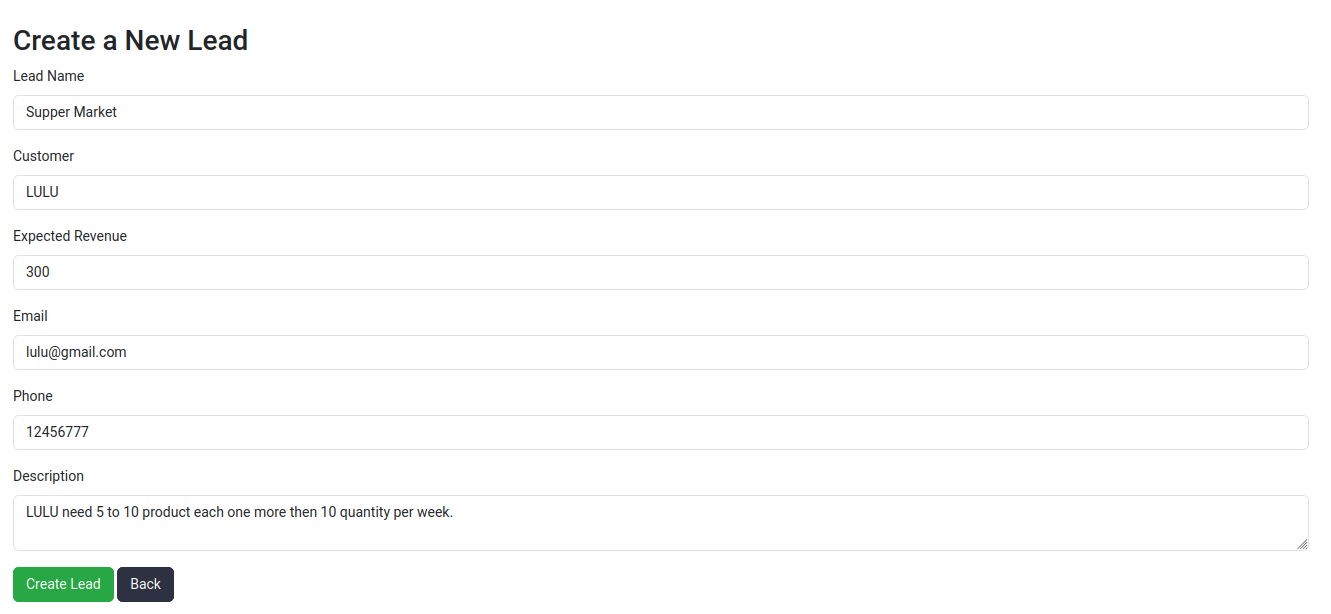
Create new lead by clicking on the top right button Create New Lead
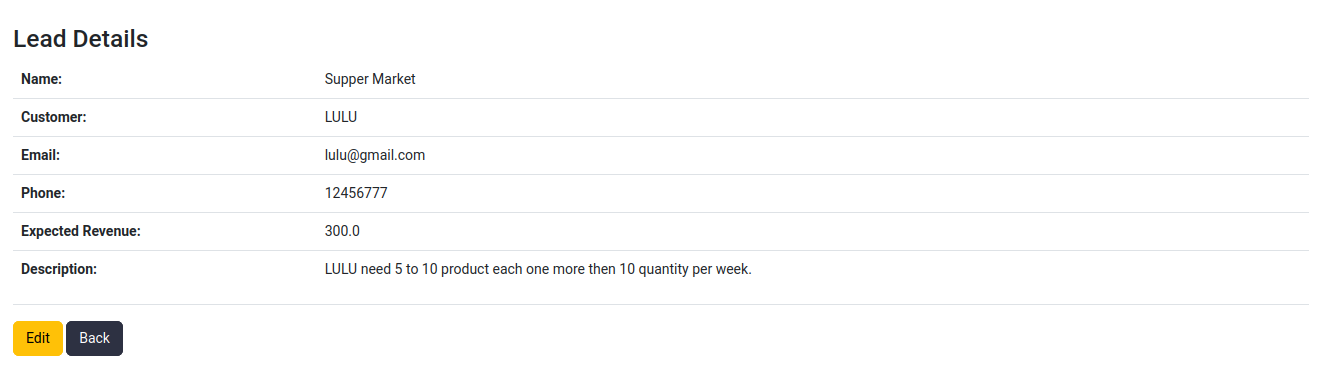
To View OR Edit click on the icon in each lead record
Filters
My Leads
Create New Lead
View Lead
Edit Lead
Thanks for choosing my solution
CRM Portal Workflow Video
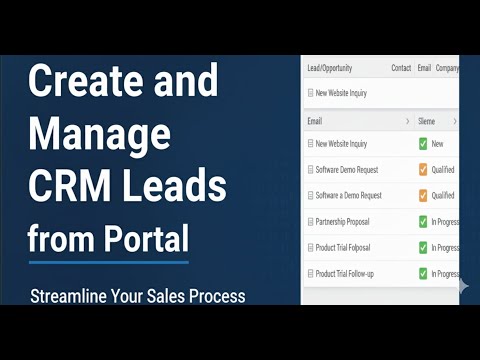
Click to watch on YouTube
Specifications
| Version | 15.0, 16.0, 17.0, 18.0, 19.0 |